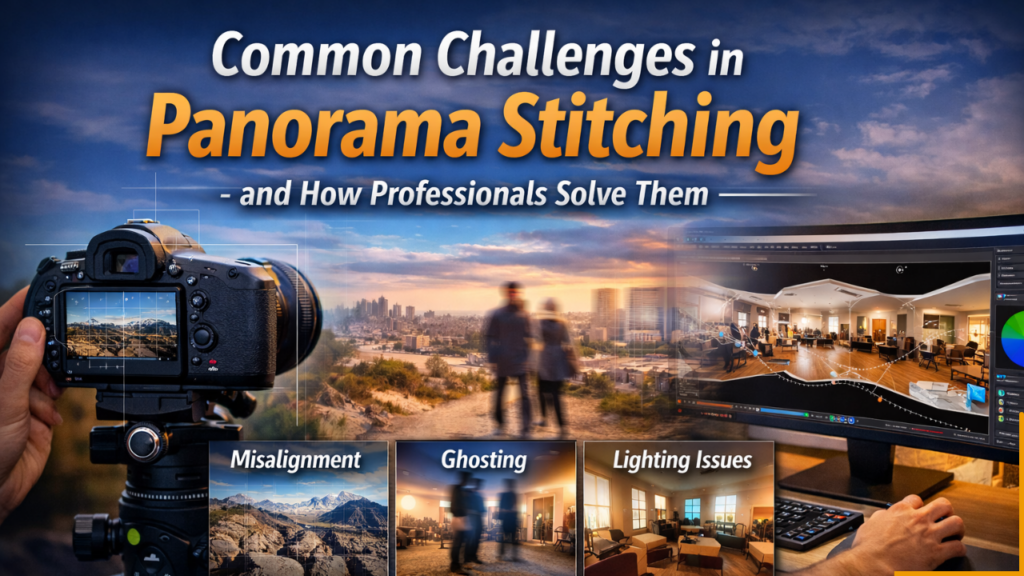
Common Challenges in Panorama Stitching – and How Professionals Solve Them
Panorama stitching has become an essential technique in modern photography and visual marketing. From immersive real estate tours and travel showcases to architectural documentation and commercial presentations, stitched panoramas allow viewers to experience environments in a way that feels expansive and engaging. A well-crafted panorama can communicate space, atmosphere, and detail far beyond what a single image can capture.
However, panorama stitching is not as simple as merging photos together. Even with advanced software, many technical and visual challenges can arise during capture and post-processing. These issues – if left unresolved – can lead to visible seams, distortion, lighting inconsistencies, or unnatural perspective. Professional panorama editors understand these challenges deeply and use refined workflows to produce seamless, visually accurate results.
This in-depth guide explores the most common challenges in panorama stitching and explains how professionals consistently overcome them to deliver high-quality panoramic imagery.
Understanding Panorama Stitching
Panorama stitching is the process of combining multiple overlapping photographs into a single continuous image. Each frame must align precisely with adjacent frames so that textures, lines, and lighting transitions appear natural. Stitching software analyzes shared visual information, calculates perspective, and blends edges to produce the final panorama.
While automation plays a major role, successful stitching depends heavily on proper capture technique and skilled editing. The more complex the scene – such as interiors with depth, moving subjects, or mixed lighting – the more expertise is required to maintain realism.
Challenge 1: Parallax Errors and Camera Movement
The Problem
Parallax occurs when the camera shifts position instead of rotating around a stable optical point. When this happens, foreground and background objects appear to shift relative to each other between frames. Stitching software struggles to reconcile these differences, resulting in warped edges, broken lines, or ghost seams.
Parallax errors are especially noticeable in interior scenes where furniture, walls, and architectural lines must align perfectly.
Professional Solution
Professionals minimize parallax through disciplined shooting techniques:
- Rotating the camera around a fixed pivot point
- Using panoramic tripod heads or nodal rails
- Maintaining consistent camera height and angle
- Capturing frames in a steady, controlled sequence
When minor parallax remains, editors manually refine alignment using control points and advanced blending tools.
Challenge 2: Exposure and Lighting Inconsistencies
The Problem
Automatic exposure settings can change between frames, particularly in scenes with bright windows, shadows, or mixed light sources. Once stitched, these variations appear as visible brightness shifts or banding across the panorama.
Lighting inconsistencies break immersion and make the panorama look artificial.
Professional Solution
Experts stabilize exposure by:
- Shooting in manual exposure mode
- Locking ISO, aperture, and shutter speed
- Capturing bracketed exposures when necessary
During editing, professionals apply HDR blending and tonal balancing to create smooth transitions. Selective adjustments ensure that highlights and shadows feel natural across the entire panorama.
Challenge 3: Insufficient Frame Overlap
The Problem
Stitching software relies on shared visual details to align images. If adjacent frames lack sufficient overlap, the software cannot find matching reference points, leading to stitching errors or gaps.
Professional Solution
Experienced photographers plan their capture carefully:
- Maintaining 30–40% overlap between frames
- Rotating consistently in small increments
- Capturing extra safety shots
Editors can also manually assist alignment when overlap is less than ideal.
Challenge 4: Ghosting from Motion
The Problem
Moving subjects – people walking, foliage swaying, or drifting clouds – may appear duplicated or blurred in the final panorama. This phenomenon, known as ghosting, disrupts visual continuity.
Professional Solution
Professionals reduce ghosting by:
- Shooting rapidly to minimize motion differences
- Selecting the cleanest portions of frames during blending
- Masking or manually retouching artifacts
Advanced editing ensures that motion artifacts disappear without compromising realism.
Challenge 5: Lens Distortion and Vignetting
The Problem
Wide-angle lenses often introduce barrel distortion and darkened corners. When stitched, these distortions accumulate, causing curved lines or uneven brightness.
Architectural panoramas are particularly sensitive to distortion because straight lines must remain true.
Professional Solution
Editors apply lens correction profiles before stitching. Additional perspective adjustments straighten lines and balance brightness. These corrections produce panoramas that feel accurate and visually stable.
Challenge 6: Color and White Balance Shifts
The Problem
Auto white balance can vary between frames, especially in mixed lighting conditions. After stitching, sections of the panorama may appear warmer or cooler than others.
Professional Solution
Professionals unify color by:
- Locking white balance during capture
- Performing global color grading
- Matching tones frame by frame
The result is a cohesive visual atmosphere that feels natural.
Challenge 7: Horizon and Perspective Distortion
The Problem
Even a slight camera tilt can produce slanted horizons or warped vertical lines. These distortions are highly noticeable in real estate or architectural panoramas.
Professional Solution
Experts level equipment during capture and use geometric correction tools during editing. Fine perspective adjustments restore visual balance and realism.
Challenge 8: Featureless or Repetitive Surfaces
The Problem
Large blank areas – such as plain walls or open skies – offer few visual reference points. Stitching software may struggle to align frames accurately.
Professional Solution
Professionals compensate by introducing varied capture angles and manually guiding alignment. Advanced control-point editing ensures seamless integration even in challenging scenes.
Challenge 9: Stitching Artifacts and Visible Seams
The Problem
Poor blending can leave visible seams, mismatched textures, or jagged transitions. These artifacts reduce image quality and distract viewers.
Professional Solution
Editors use multi-layer blending, feathering, and localized corrections to remove seams entirely. Each transition is refined until the panorama appears continuous.
Challenge 10: File Resolution and Output Optimization
The Problem
Panoramas often produce extremely large files. Without proper optimization, images may load slowly or lose detail when compressed.
Professional Solution
Professionals balance resolution and performance by:
- Exporting multiple output sizes
- Optimizing compression settings
- Preparing files for web, print, or VR platforms
This ensures clarity without sacrificing usability.
The Value of Professional Panorama Stitching
While automated tools make stitching accessible, professional workflows elevate the final result. Skilled editors combine technical precision with artistic judgment to produce panoramas that are:
- Seamless and distortion-free
- Color balanced and evenly lit
- Perspective accurate
- Optimized for presentation
For businesses and photographers, this level of quality enhances credibility and viewer engagement.
When to Consider Professional Help
If your panoramas show alignment issues, inconsistent lighting, ghosting, or distortion – or if editing simply takes too much time – professional stitching services provide a reliable solution. Outsourcing ensures consistent results while allowing you to focus on capture and creative direction.
Elevate Your Panoramas with Expert Stitching
Creating a flawless panorama requires more than software automation – it demands experience, precision, and a deep understanding of visual continuity. That’s why photographers, real estate professionals, and creative agencies rely on expert stitching support.
With Photo Editing Services Company., your multi-frame captures are transformed into seamless 360° panoramas ready for virtual tours, marketing presentations, and immersive viewing. Their professional workflow delivers:
✔ Seamless stitching with no visible joins
✔ Advanced color and exposure balancing
✔ Distortion and perspective correction
✔ Optimization for web and VR platforms
✔ Fast turnaround and revision flexibility
Whether you’re showcasing interiors, landscapes, or commercial spaces, professional stitching ensures your panoramas look polished, immersive, and impactful.
Turn your captures into stunning panoramic experiences – and let professional expertise bring your visuals to life.
